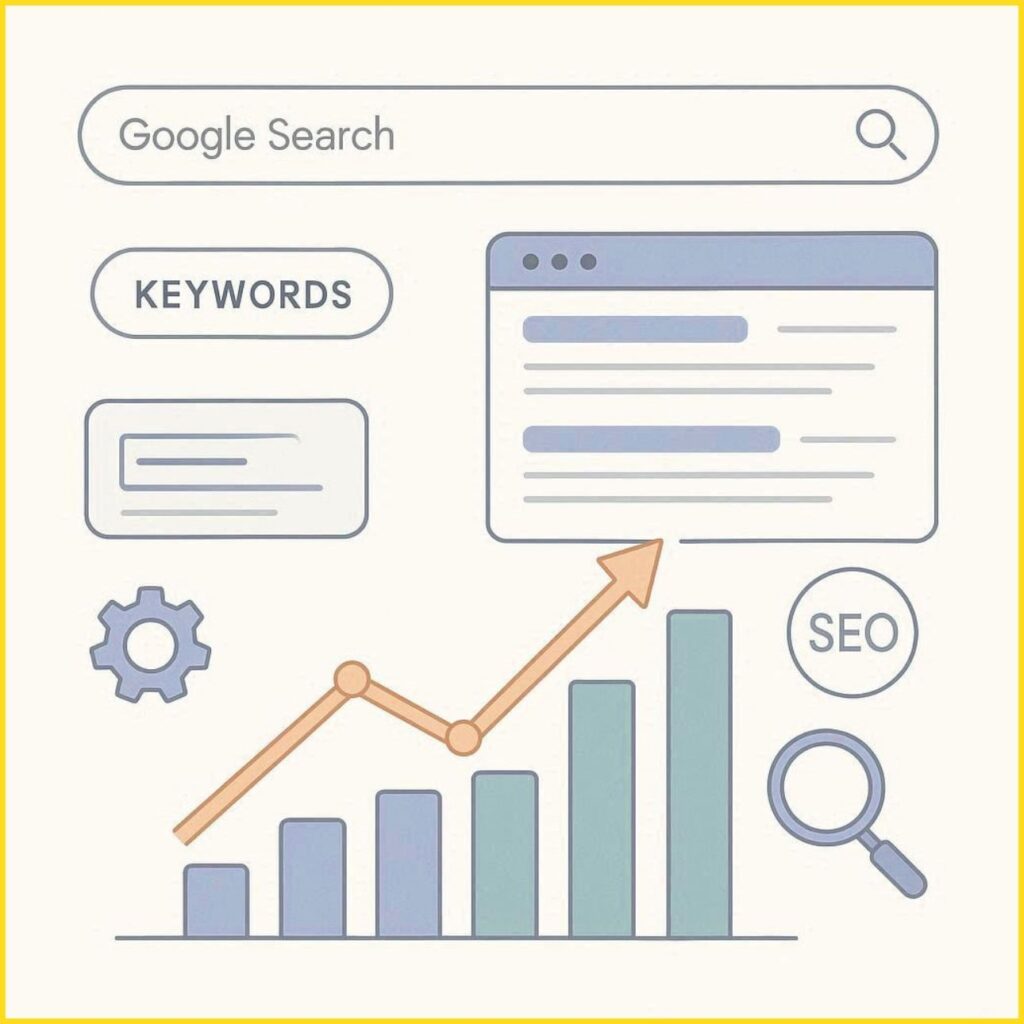
What is SEO and Why It Matters
Search Engine Optimization (SEO) is the process of improving your website so it appears higher in search engine results. When someone types a query into Google, thousands (sometimes millions) of pages compete to show up first. SEO helps your website stand out and attract the right audience.
For a growing platform like familystuff, SEO is essential because it brings organic (free) traffic, builds trust, and helps families discover valuable content without relying only on ads.
How Google Search Works
Before learning how to rank, it’s important to understand how search engines operate. Google mainly follows three steps:
1. Crawling
Google uses automated programs called bots (or spiders) to explore the web and discover new or updated pages.
During crawling, Google:
- Follows links from one page to another
- Identifies new content across websites
- Revisits existing pages to check for updates
To improve crawling:
- Make sure your website has clear navigation
- Use internal links to connect pages
- Submit your sitemap to Google
2. Indexing
Once a page is discovered, Google analyzes and stores it in its database, known as the index.
During indexing, Google:
- Understands the content and topic of the page
- Analyzes keywords, headings, and structure
- Evaluates images, videos, and other media
To improve indexing:
- Use clear headings (H1, H2, H3)
- Write meaningful content with proper keywords
- Avoid duplicate or thin content
3. Ranking
When a user searches for something, Google ranks pages based on relevance and quality.
Google considers several factors, such as:
- Content quality and usefulness
- Keyword relevance to the search query
- Website authority and backlinks
- User experience (speed, mobile-friendliness)
To improve ranking:
- Focus on helpful, user-centered content
- Optimize page speed and mobile design
- Build trust through quality backlinks
How Google Understands Content (Search Intent Deep Dive)
Google doesn’t just match keywords—it focuses on understanding user intent, which means identifying what the user really wants when they type a query. This helps Google deliver more accurate and helpful results.
There are four main types of search intent:
1. Informational Intent
Users are looking to learn something or find answers.
Common examples:
- “What is SEO?”
- “How to improve family communication”
- “Tips for child education at home”
Content strategy:
- Create detailed blog posts and guides
- Answer common questions clearly
- Use simple language and real-life examples
2. Navigational Intent
Users want to visit a specific website or page.
Examples include:
- Searching for a brand or website name
- Looking for a specific page like login or homepage
Content strategy:
- Ensure your brand name (familystuff) is consistent
- Optimize homepage and important pages
- Build brand awareness through content and social media
3. Transactional Intent
Users are ready to take action, such as buying or signing up.
Examples:
- “Best parenting courses online”
- “Subscribe to family newsletter”
Content strategy:
- Add clear call-to-action (CTA) buttons
- Provide easy navigation for sign-ups or services
- Build trust with testimonials or benefits
4. Commercial Investigation
Users compare options before making a decision.
Examples:
- “Best family budgeting apps”
- “Top parenting blogs to follow”
Content strategy:
- Write comparison articles
- Highlight pros and cons
- Provide honest recommendations
For familystuff, focusing mainly on informational intent is the best approach. By solving real-life problems and answering common questions, you can attract the right audience, build trust, and gradually guide users toward deeper engagement.
Key Factors That Affect Website Ranking
1. Keywords (Search Intent)
Keywords are the words people type into search engines.
Example: “family education tips” or “how to manage family finances”
To rank well:
- Use keywords naturally in your content
- Include them in titles, headings, and descriptions
- Focus on what users are actually searching for
2. Quality Content
Content is the backbone of SEO.
Good content should:
- Solve real problems
- Be easy to understand
- Provide value to readers
- Be original and well-structured
For familystuff, this means creating helpful guides for families, parenting tips, and educational insights.
3. On-Page SEO
This includes optimizing elements on your website:
- Title tags (clear and keyword-focused)
- Meta descriptions (short summaries for search results)
- Headings (H1, H2, H3 structure)
- Internal links (connecting your own pages)
- Image optimization (alt text)
4. Website Speed and Mobile Friendliness
Google prefers websites that:
- Load quickly
- Work smoothly on mobile devices
A slow or poorly designed site can hurt your rankings.
5. Backlinks (Website Authority)
Backlinks are links from other websites to yours. They act like “votes of trust.”
More quality backlinks = higher credibility in Google’s eyes.
6. User Experience (UX)
Google tracks how users interact with your site:
- Do they stay and read?
- Do they leave quickly?
- Is your site easy to navigate?
A better user experience improves rankings.
E-E-A-T: The Trust Factor in SEO
Google evaluates content based on:
- Experience – Real-life insights and practical knowledge
- Expertise – Subject knowledge
- Authoritativeness – Website credibility
- Trustworthiness – Accuracy and reliability
To improve this:
- Share real experiences
- Add author details
- Use credible sources
- Keep content honest and helpful
Simple SEO Strategy for familystuff
Here’s a step-by-step plan you can follow:
Step 1: Keyword Research
Find topics families are searching for
Example: parenting, education, relationships
Step 2: Create Valuable Content
Write blogs that answer real questions clearly
Step 3: Optimize Each Post
- Use keywords in title and headings
- Add internal links
- Write a strong meta description
Step 4: Improve Website Performance
- Make your site fast
- Ensure mobile responsiveness
Step 5: Build Authority
- Share content on social media
- Collaborate with other websites
- Get backlinks naturally
Basic SEO Tools You Should Use
To grow faster, use these beginner-friendly tools:
- Google Search Console – Track performance
- Google Analytics – Understand user behavior
- Ubersuggest / Ahrefs – Keyword research
- PageSpeed Insights – Check website speed
These tools help you make data-driven decisions instead of guessing.
Common SEO Mistakes to Avoid
- Keyword stuffing (overusing keywords unnaturally)
- Copying content from other sites
- Ignoring mobile users
- Publishing low-quality or short content
- Not updating old posts
How Long Does SEO Take to Work?
SEO is a long-term process. Typically:
- 1–3 months – Initial improvements
- 3–6 months – Noticeable traffic growth
- 6+ months – Strong ranking results
Consistency is the key. Publishing regularly and optimizing content will bring steady results.
Final Thoughts
SEO is not a one-time task—it’s a continuous process. With the right strategy, patience, and consistency, your website can grow steadily and reach the right audience.
For familystuff, focusing on helpful, family-centered content combined with smart SEO practices will build long-term success and visibility on Google.
FAQs (Frequently Asked Questions)
1. What is SEO in simple words?
SEO is the process of improving your website to rank higher on search engines like Google.
2. Can I do SEO without technical knowledge?
Yes, beginners can start with basic content optimization and keyword usage.
3. How many keywords should I use in one blog?
Focus on 1 main keyword and 3–5 related keywords naturally.
4. Is SEO free or paid?
SEO is mostly free but may require tools or expert help for faster results.
5. Why is my website not ranking?
Common reasons include low-quality content, lack of keywords, poor website speed, or no backlinks.