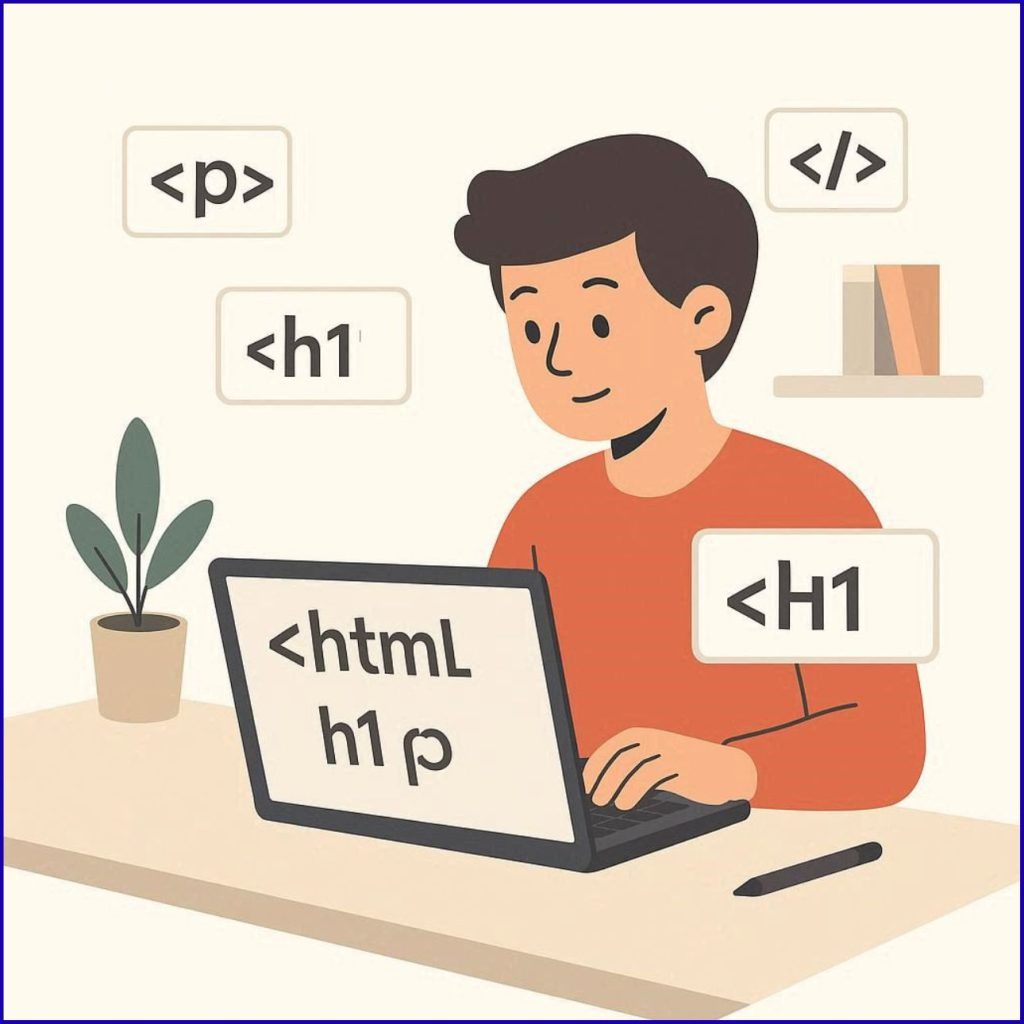
If you’ve ever wondered how websites are created, the answer starts with one fundamental technology: HTML. Whether you’re planning to build your own website, start a digital career, or help your kids learn tech skills, understanding HTML is the perfect first step.
In this beginner-friendly guide, we’ll explain everything you need to know about HTML in a simple and practical way — no prior coding knowledge required.
What is HTML?
HTML (HyperText Markup Language) is the standard language used to create and structure web pages.
It tells a web browser:
- What content to display
- How that content should be organized
Think of HTML as the skeleton of a website. Just like a human body needs bones, every website needs HTML to exist.
Why is HTML Important?
HTML is the foundation of every website on the internet. Without HTML, web pages wouldn’t exist.
Here’s why HTML is important:
- 🌐 It structures web content (text, images, videos)
- 🧱 It forms the base of all websites
- 🚀 It works with CSS and JavaScript to create modern websites
- 💼 It’s the first step to becoming a web developer
How Does HTML Work?
HTML uses tags to define elements on a webpage.
Example:
<p>This is a paragraph</p>
<h1>= Heading<p>= Paragraph
A browser reads these tags and displays them correctly on the screen.
What is an HTML Element?
An HTML element consists of:
- Opening tag
- Content
- Closing tag
Example:
Basic Structure of an HTML Page
Every HTML page follows a standard structure:
<html>
<head>
<title>My First Page</title>
</head>
<body>
<h1>Welcome to My Website</h1>
<p>This is my first HTML page.</p>
</body>
</html>
Explanation:
<!DOCTYPE html>→ Declares HTML5<html>→ Root of the page<head>→ Contains meta info (title, SEO)<body>→ Visible content
Common HTML Tags You Should Know
Here are some basic tags every beginner should learn:
| Tag | Purpose |
|---|---|
<h1> to <h6> | Headings |
<p> | Paragraph |
<a> | Link |
<img> | Image |
<ul> | Unordered list |
<li> | List item |
<div> | Section/container |
What are HTML Attributes?
HTML attributes provide extra information about elements.
Example:
hrefis an attribute- It defines the link destination
Example: Simple Web Page
<!DOCTYPE html>
<html>
<head>
<title>Familystuff Blog</title>
</head>
<body>
<h1>Welcome to Familystuff</h1>
<p>We share knowledge about education, careers, and digital skills.</p>
<a href=”https://website-e821954f.fva.dbo.mybluehost.me”>Visit our website</a>
</body>
</html>
HTML vs CSS vs JavaScript
To build a complete website, HTML works with two other technologies:
| Technology | Purpose |
|---|---|
| HTML | Structure |
| CSS | Design & styling |
| JavaScript | Functionality |
👉 Example:
- HTML → Creates a button
- CSS → Styles the button
- JavaScript → Makes the button clickable
Who Should Learn HTML?
HTML is perfect for:
- Students 👨🎓
- Beginners in coding
- Parents teaching kids tech skills
- Bloggers and website owners
- Freelancers
No technical background is required to start learning HTML.
Benefits of Learning HTML
Here’s why learning HTML is a great decision:
1. Easy to Learn
HTML is beginner-friendly and simple to understand. Unlike complex programming languages, HTML uses basic tags and a clear structure, making it perfect for students and beginners. You don’t need any prior coding experience to get started, and you can see results instantly in your browser, which makes learning more engaging and motivating.
2. High Demand Skill
Web development skills are always in demand in today’s digital world. Almost every business needs a website, and HTML is the foundation of all websites. Learning HTML can open doors to careers in web development, freelancing, and digital marketing.
3. Build Your Own Website
With HTML, you can create your own blog, portfolio, or business website. This gives you complete control over your online presence without depending on others.
4. Foundation for Coding
HTML is the first step toward advanced programming. Once you understand HTML, learning CSS, JavaScript, and other technologies becomes much easier.
Real-Life Uses of HTML
HTML is used in:
- Websites and blogs
- Online forms
- Email templates
- Landing pages
- Web applications
Every page you visit on the internet uses HTML.
How to Start Learning HTML (Step-by-Step)
Learning HTML doesn’t require any technical background. Follow this simple step-by-step process to start building your first web page.
Step 1: Choose a Code Editor
A code editor is where you write your HTML code.
Beginner options:
- Notepad (Windows default – very basic)
- Notepad++ (better than Notepad)
- VS Code (recommended for beginners and professionals)
👉 Best choice: VS Code
It gives helpful suggestions and makes coding easier.
Step 2: Create Your First HTML File
Now let’s create your first webpage file.
- Right-click on your desktop
- Click New → Text Document
- Rename it to:
⚠️ Important:
Make sure the file extension is .html (not .txt)
Step 3: Write Your First HTML Code
Open your index.html file in your code editor and paste this:
<html>
<head>
<title>My First Page</title>
</head>
<body>
<h1>Hello World!</h1>
<p>This is my first HTML page.</p>
</body>
</html>
👉 This is your first simple webpage.
Step 4: Open Your Website in a Browser
Now let’s see your work live:
- Save the file (Ctrl + S)
- Double-click the file
- It will open in your browser (Chrome, Edge, etc.)
🎉 You just created your first webpage!
Step 5: Understand What You Wrote
Before moving forward, understand the basics:
<h1>→ Displays a big heading<p>→ Displays a paragraph<title>→ Shows text in browser tab<body>→ Contains visible content
👉 Don’t memorize — just understand slowly.
Step 6: Practice Basic HTML Elements
Start experimenting with simple elements:
✅ Try Headings
<h2>Sub Heading</h2>
✅ Try Paragraphs
✅ Try Links
✅ Try Images
Step 7: Build a Simple Practice Page
Try creating a small page like this:
<html>
<head>
<title>About Me</title>
</head>
<body>
<h1>My Name</h1>
<p>I am learning HTML.</p>
<a href=“#”>Contact Me</a>
</body>
</html>
👉 This builds confidence quickly.
Step 8: Practice Daily (Very Important)
Consistency is the key.
Daily practice ideas:
- Create a personal profile page
- Build a simple blog layout
- Add images and links
- Try lists and headings
Even 20–30 minutes daily is enough.
Step 9: Use Free Learning Resources
To improve faster, use:
- YouTube tutorials
- Free coding websites
- Practice platforms
👉 But don’t just watch — practice while learning
Step 10: Move to Next Step (CSS & Styling)
Once you understand HTML basics, start learning:
- CSS (for design)
- Layout building
👉 HTML + CSS = Real website design
Beginner Tip from familystuff
Start simple. Don’t try to learn everything in one day.
Focus on:
- Small steps
- Daily practice
- Real examples
That’s how real skills are built.
Simple HTML Project Idea
Mini Project: Create a Personal Profile Page
Try building:
- Your name
- About section
- Image
- Contact link
Tips for Beginners
- Start small and practice daily
- Don’t memorize — understand
- Try real examples
- Build simple pages first
- Stay consistent
Common Mistakes to Avoid
- ❌ Forgetting closing tags
- ❌ Writing code without structure
- ❌ Not testing in browser
- ❌ Trying advanced topics too early
HTML5 Features
HTML5 introduced modern features like:
<video>and<audio>support- Semantic tags (
<header>,<footer>) - Better mobile support
- Improved performance
Future Scope of HTML
Even in 2026 and beyond, HTML will remain essential because:
- Every website needs it
- It evolves with new features
- It supports modern web technologies
Learning HTML today is an investment in your future.
Conclusion
HTML is the backbone of the web and the best starting point for anyone entering the digital world. Whether you’re a student, parent, or aspiring professional, learning HTML opens the door to endless opportunities.
Start small, practice consistently, and you’ll be building your own websites in no time.
About familystuff
At familystuff, we focus on helping families and students learn valuable digital skills, improve education, and build better career opportunities in today’s digital world.
Frequently Asked Questions
Q1. Is HTML a programming language?
No, HTML is a markup language used to structure content.
Q2. How long does it take to learn HTML?
You can learn basics in a few days with practice.
Q3. Can I get a job by learning HTML?
HTML is a starting skill; combine it with CSS & JavaScript.
Q4. Do I need coding experience?
No, HTML is beginner-friendly.